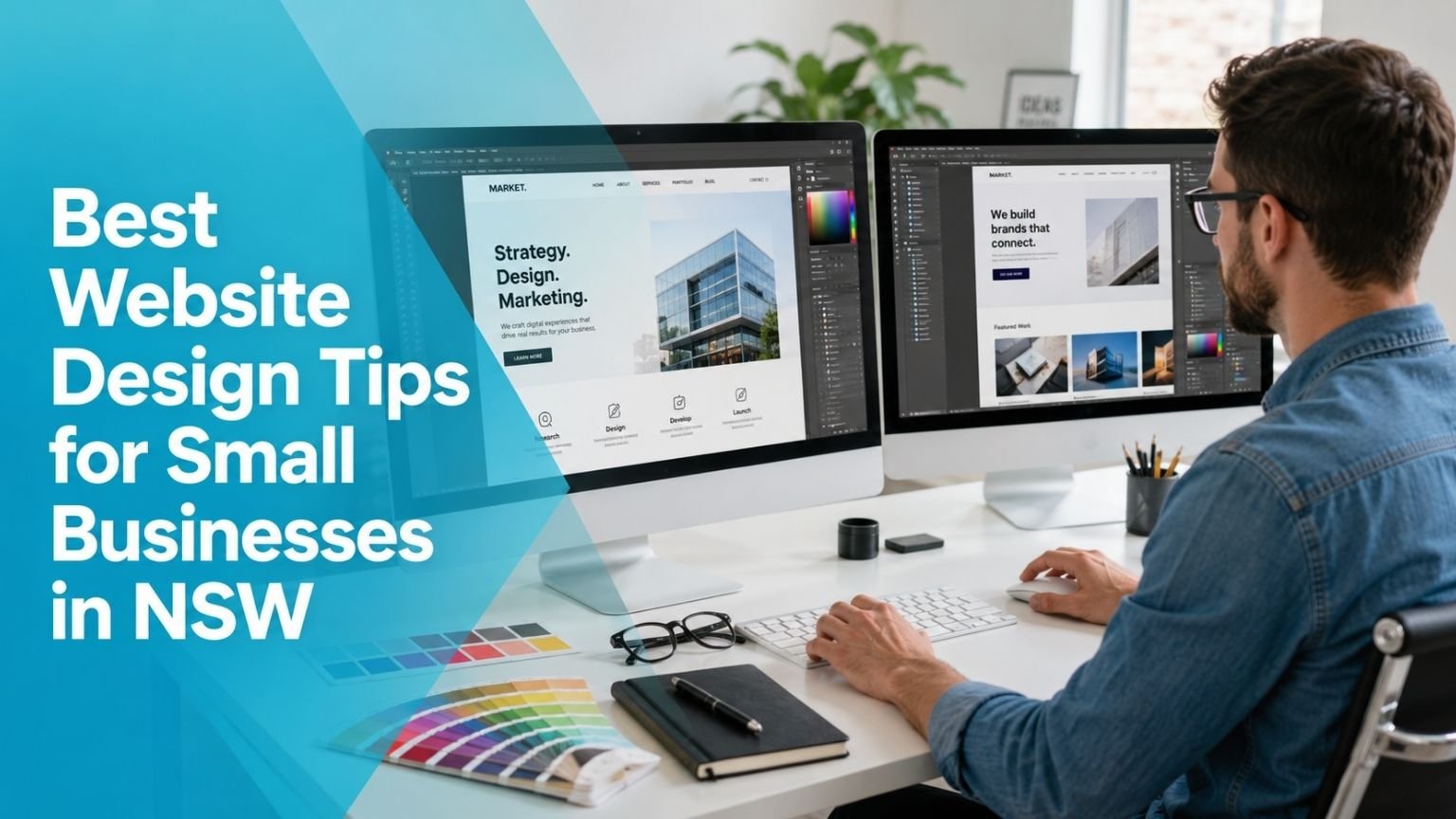
Running a small business in NSW in 2026 means your website is doing a lot of heavy lifting. It’s your shopfront, your first impression, your 24/7 sales rep, and often the deciding factor between someone choosing you or scrolling past to the next result.
The good news is that a well-designed small business website doesn’t need to be complicated or expensive to build. It just needs to do a few things really well. And most businesses aren’t doing them.
After looking at hundreds of small business websites across NSW from the Hunter Valley to the Illawarra, Western Sydney to the North Coast the same issues come up again and again. This guide addresses those issues directly.
Design for Your Customer, Not Your Taste
This is the hardest lesson for many business owners to hear, but it’s the most important one: your website isn’t for you. It’s for your customer.
That means the colours you personally love, the font that feels “premium” to you, the homepage animation you think looks impressive none of those things matter if they’re not serving the person who just landed on your page looking for help.
Before you make any design decision, ask yourself: What does someone visiting this page actually need to know, and how quickly can they find it?
Good small business web design is invisible. When it’s working, visitors don’t notice the design at all; they just find what they need and take action. When it’s not working, they leave confused or frustrated.
Your Homepage Has One Job
A common mistake is treating the homepage like a comprehensive overview of everything the business does. It ends up cluttered with service lists, blog posts, a gallery, social media feeds, and announcements about last year’s Christmas hours.
Your homepage has one job: get the right visitor to the right place as quickly as possible.
That means:
A clear headline that says what you do and who you do it for. “Accounting Services for Tradies and Sole Traders Across NSW” is a better headline than “Welcome to Smith Accounting.” The first tells you immediately if you’re in the right place. The second tells you nothing.
Two or three clear paths forward. If you run a landscaping business, those paths might be: Get a Quote, View Our Work, Learn About Our Services. That’s it. Not eight links, not a dropdown menu with fifteen options. Three clear next steps.
A genuine photo of your business, your work, or your team. Stock photos of smiling people in suits or generic greenery erode trust without you even realising it. NSW customers are savvy; they can spot a stock photo immediately, and it subtly signals that you’re not being real with them.
Navigation Should Be Boring
This might sound counterintuitive, but your navigation menu should be the most boring part of your website. No clever labels, no creative category names. Just straightforward, plain-English links that tell people exactly where they’re going.
“Our Services” is better than “What We Do.” “Contact Us” is better than “Let’s Chat.” “About” is better than “Our Story.”
When someone is looking for something on your website, they don’t want to have to decode creative copywriting. They want to find it in two seconds and move on.
Keep your main navigation to five items or fewer. If you have more pages than that, use dropdowns sparingly, or consolidate. Every extra item in your navigation dilutes the attention of all the others.
Colour and Typography: Keep It Simple
Small business websites often fall into one of two traps: either everything is in the brand colours (including text, backgrounds, buttons, icons, and every visual element), or there’s no colour consistency at all.
Both make sites harder to use.
A clean, professional approach for a small business website:
One or two primary brand colours. Use them for buttons, headings, and accents. Not for body text, not for large background sections behind text, not for everything.
Dark text on a light background for your main content. This is not a creative suggestion, it’s a readability fact. Body text should be dark (near black or very dark grey) on a white or off-white background. The contrast makes it readable without effort.
One heading font and one body font. Two fonts maximum. They should feel different enough to distinguish headings from content, but not so different that they clash. If you’re not a designer, choosing a well-paired Google Font combination is completely fine. It’s better than picking five different fonts that don’t belong together.
Consistent button style. Every button on your site should look like a button of the same shape, same colour, same style. Visitors shouldn’t have to guess what they can click.
Images Matter More Than You Think
Of all the design elements on a small business website, images have the biggest impact on how professional and trustworthy the site feels. And this is an area where NSW local businesses frequently underinvest.
You don’t need a professional photoshoot for every page but you do need photos that look real and relevant.
Avoid generic stock photos wherever possible. A real photo of your shopfront in Wollongong, your team on a job in Penrith, or a project you completed in Newcastle will always outperform a stock image of a smiling person who could be selling anything from insurance to yoga classes.
Show your work. Before and after photos for tradies, landscapers, and cleaners. Finished project photos for builders, architects, and designers. Plated dishes for restaurants and cafés. People want to see what you actually do, not what a stock library imagines your industry looks like.
Compress every image before uploading. Large image files are one of the most common causes of slow-loading websites. A photo taken on a modern smartphone can be 5–10MB in its original form. Properly compressed for the web, it should be under 300KB with no visible quality difference. Tools like Squoosh or TinyPNG make this a two-minute job.
Use descriptive file names and alt text. Instead of naming your image “IMG_4729.jpg,” name it “landscaping-garden-design-sydney.jpg.” And write a short, descriptive alt text for every image on your site. This helps visually impaired users and also helps Google understand what your images show which contributes to your local SEO.
Build for Trust at Every Stage
People who land on a small business website from a search or a social link know almost nothing about you. Within seconds, they’re making unconscious judgements about whether you’re legit, whether you’re professional, and whether they can trust you with their money or their home or their problem.
Trust signals are the design elements that answer those questions without the visitor having to ask.
Prominent contact information. Your phone number and email should be visible in the header of every page. Not hidden in the footer, not only on the Contact page. If someone wants to call you, they should be able to do it from wherever they are on your site.
An About page with real information. Who started the business? How long have you been operating? What area do you serve? A short, honest, human About page does more for trust than almost anything else. Include a real photo of yourself or your team.
Customer reviews displayed on the site. Google reviews, Facebook reviews, or testimonials from real customers with their names and locations. Put these where they’ll be seen on your homepage, your service pages, and near your contact form.
Business details that match your Google Business Profile. Your business name, address, and phone number should be identical across your website and your Google listing. Inconsistencies here confuse Google and can hurt your local search rankings.
An SSL certificate. Your website address should start with “https” not “http.” If it doesn’t, most browsers will display a warning that your site isn’t secure, which immediately kills trust. Almost all hosting providers include free SSL certificates these days. If yours doesn’t, it’s time to ask your web host or developer to fix this.
Accessibility Is No Longer Optional
In 2026, web accessibility isn’t just a nice-to-have, it’s increasingly a legal consideration and a practical one. A significant portion of your potential customers have a disability that affects how they use the web. Designing your site to be accessible means more people can use it, full stop.
For small businesses, accessibility doesn’t need to be complicated. The basics are:
Sufficient colour contrast between text and background. Descriptive alt text on images. Keyboard-navigable menus. Captions on any video content. Text that can be resized without breaking the layout.
Most of these are things good web designers implement as a matter of course. If your website was built more than five years ago and hasn’t been updated, it’s worth getting an accessibility audit. There are free tools online like WAVE or Google Lighthouse that can flag the most obvious issues.
Your Website Needs to Work With Google, Not Against It
A great-looking website that nobody can find is a decorative expense, not a business asset. From a design perspective, there are several choices that directly impact how well Google can read, understand, and rank your site.
Use real text for headings, not text embedded in images. Google can’t read text in images. If your service names, your tagline, or your key messages are images of text rather than actual HTML text, Google is missing that content entirely.
Structure your headings logically. Use one H1 per page (your main headline), H2s for major sections, and H3s for subsections. This isn’t just for Google it makes your content easier to scan for human readers too.
Don’t use a splash page or full-screen intro animation. These were trendy a decade ago. Now they just delay visitors from seeing your content and give Google less to work with on the most important page of your site.
Make sure your site is indexed. Check Google Search Console to confirm your pages are being crawled and indexed. If they’re not, it doesn’t matter how well-designed your site is it won’t appear in search results.
When to Redesign vs. When to Refine
A full website redesign is a significant investment of time and money. Often, the biggest gains come from targeted improvements rather than starting from scratch.
Signs a redesign is worth it: your site doesn’t work properly on mobile, it loads slowly, it was built on an outdated platform that’s no longer supported, or the design genuinely looks dated compared to your competitors.
Signs refinement is enough: the structure is solid but individual pages aren’t converting, the copy doesn’t clearly explain what you do, you’re missing key trust elements, or the content is outdated.
Before spending on a redesign, be honest about which problem you actually have. Sometimes a new hero image, a rewritten homepage headline, and a few added testimonials can transform a site’s performance without rebuilding it from scratch.
A Note for NSW Businesses Specifically
The NSW market is competitive but not homogeneous. A business serving rural areas near Broken Hill is operating in a very different environment to one serving inner-city Sydney. A business in the Northern Rivers is speaking to a different kind of customer than one in Parramatta.
Your website should reflect where you are and who you serve. Mention your location genuinely and specifically. Use photos that feel like they belong in your part of NSW. Speak to the concerns and context of your actual customers.
The businesses that do best online aren’t the ones with the fanciest websites they’re the ones whose websites feel most genuinely like them.
NSW Business Today is a resource for local NSW businesses. If you’d like guidance on your website’s design or local SEO, reach out through our contact page.